Seller How-To Guide
Last updated: 14 July 2026
How do I become a seller on YourPDF.store?
Getting started is simple. Create a seller account, confirm your email address and connect your Stripe account. Stripe handles the secure payment setup used for seller payouts.
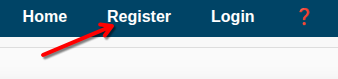
1. Click the Register link
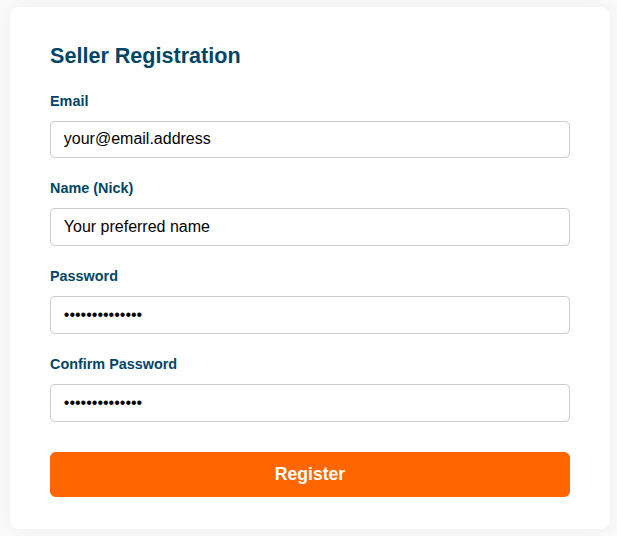
2. Fill in the registration form
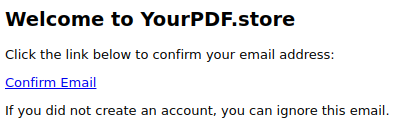
3. Confirm your email address
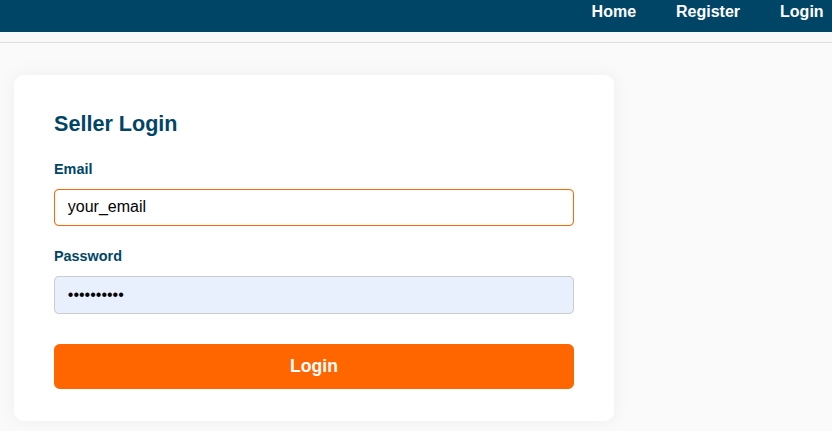
4. Log in to the seller dashboard
5. Connect your Stripe account
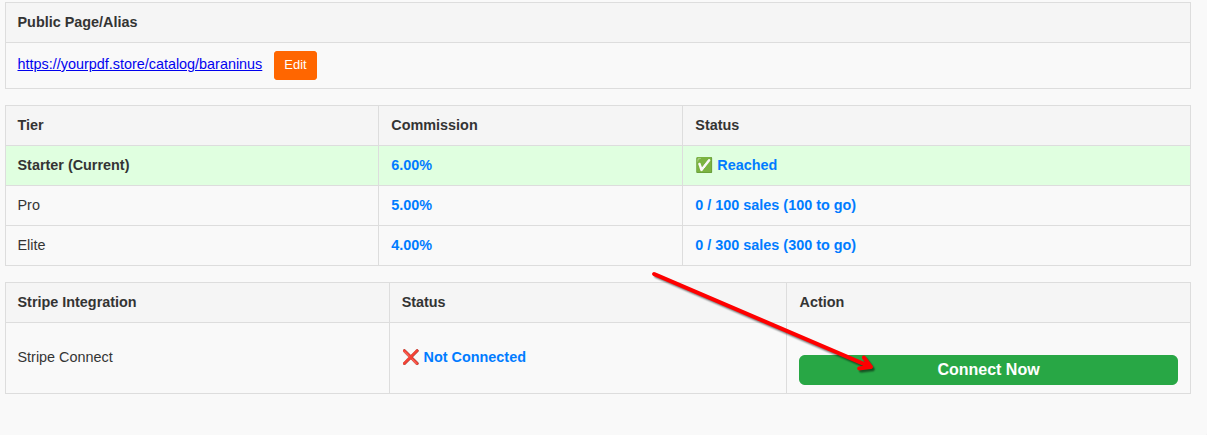
Follow the instructions shown by Stripe. Once your payment setup is complete, you can start adding products.
How do I publish my PDF product on YourPDF.store?
Before publishing a product, make sure your seller account is confirmed and your Stripe setup is active. Your seller dashboard will show the current payment status.
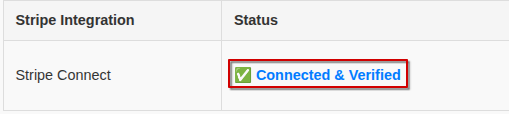
If your payment status is not active yet, complete the Stripe setup from your dashboard.

1. Add your first PDF product
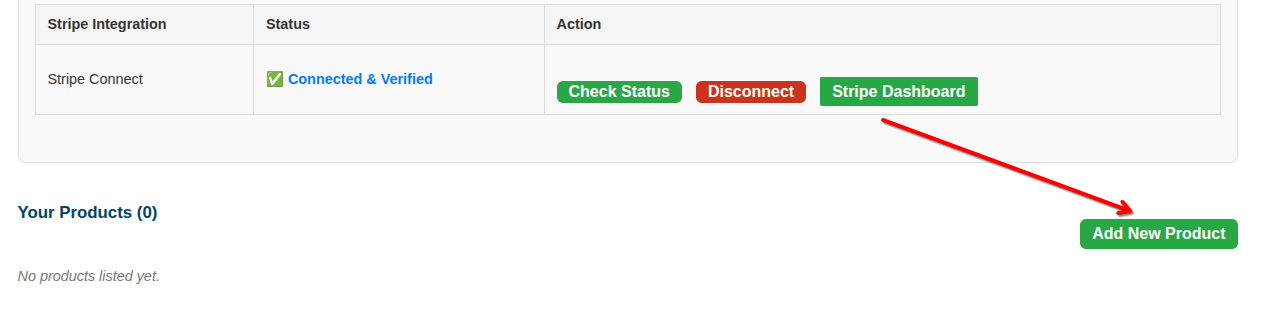
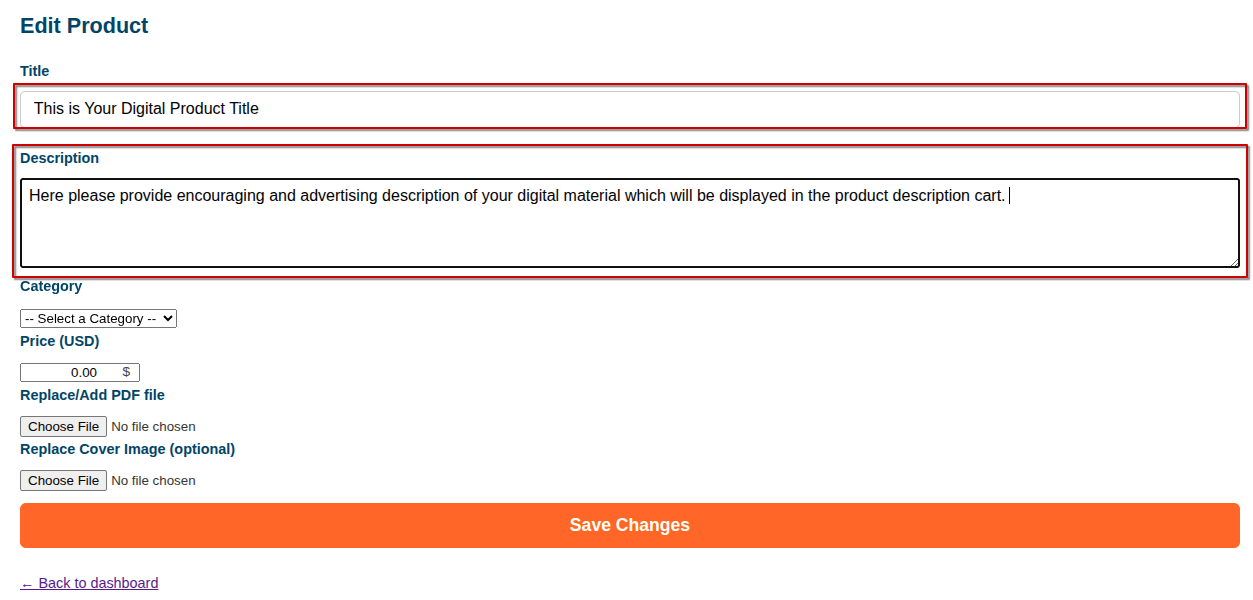
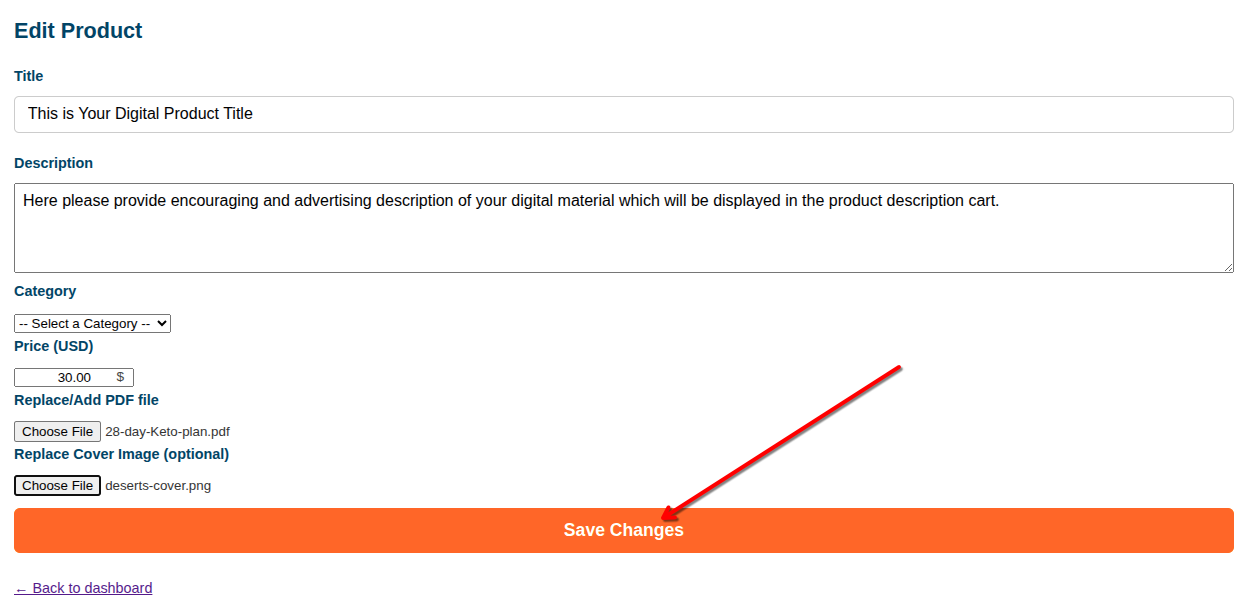
2. Add a clear title and description
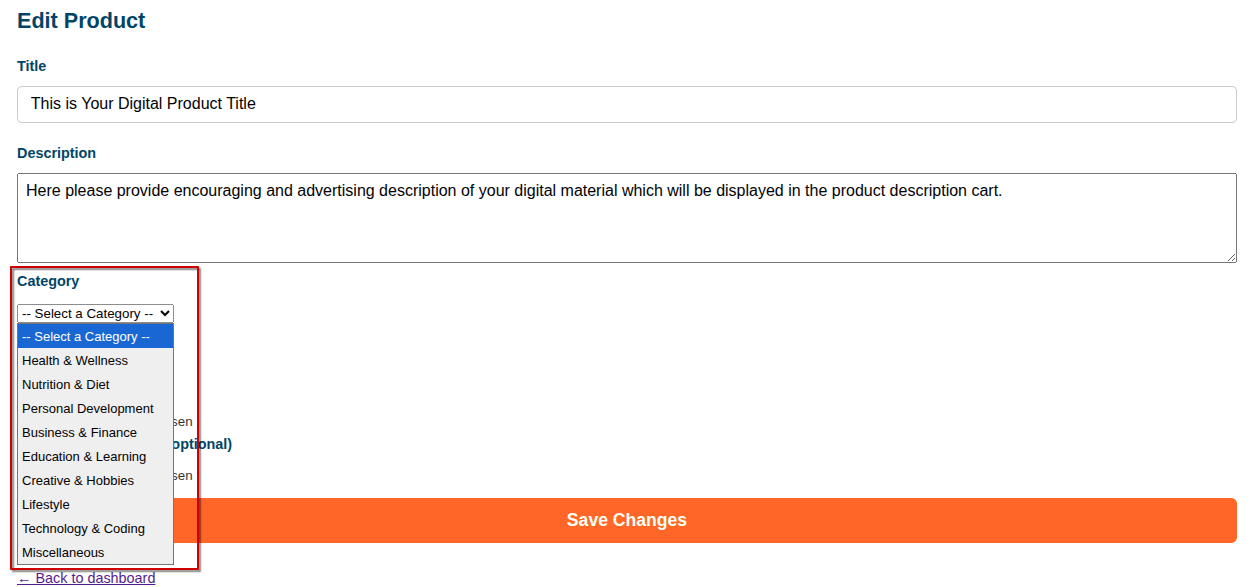
3. Choose the product category
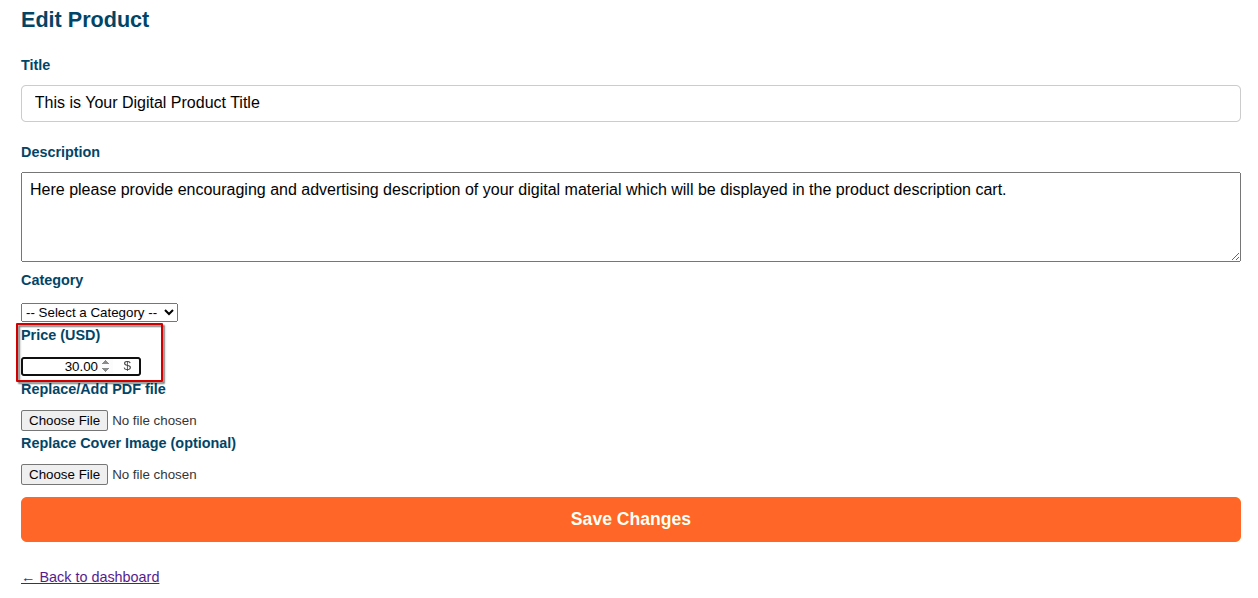
4. Set the product price
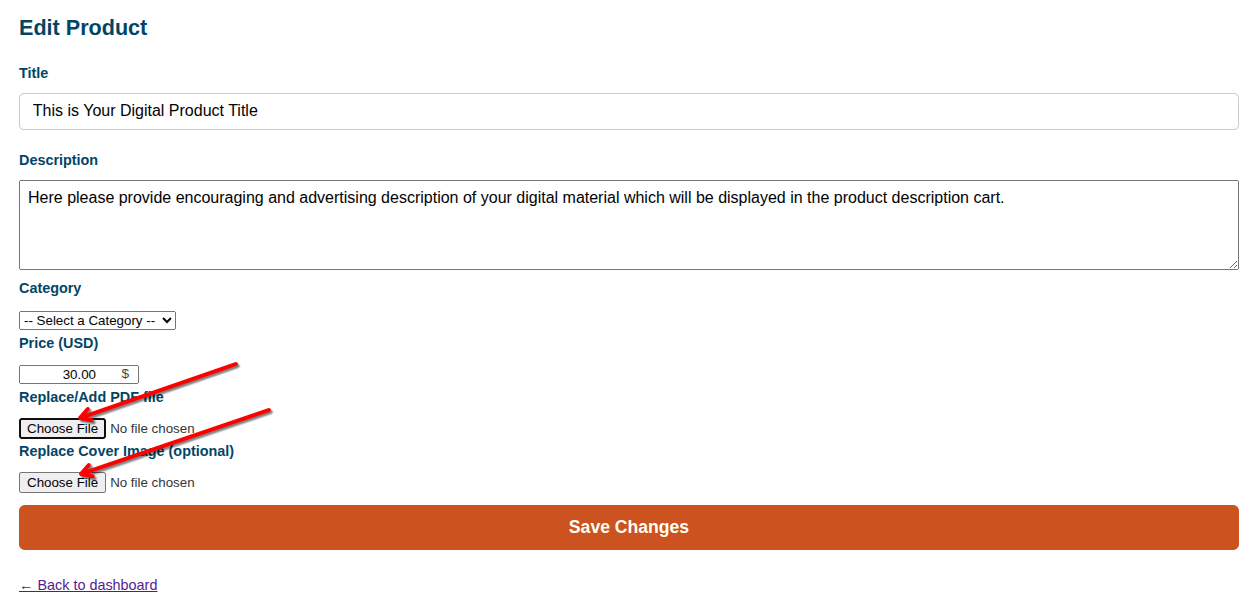
5. Upload your PDF product file and a cover image
6. Save the product
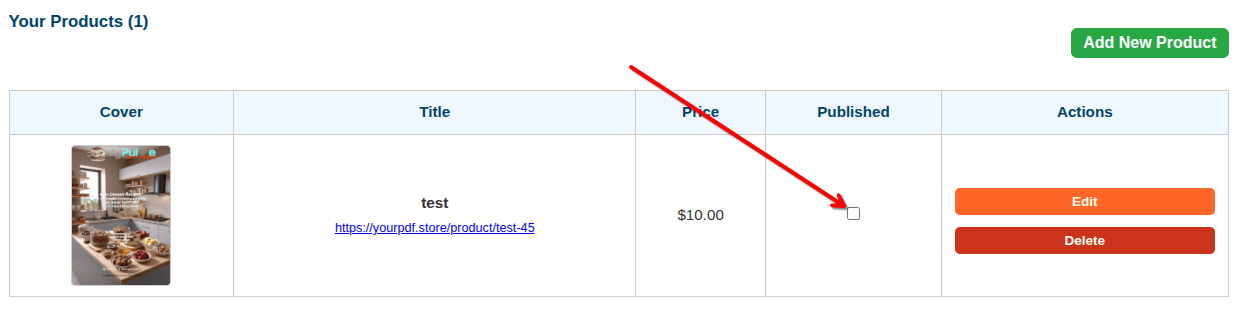
7. Publish your product
How much does it cost?
No upfront platform cost
There is no listing fee and no subscription required to start. YourPDF.store charges a platform fee only when you make a sale.
Current platform fee tiers
The platform fee decreases as your completed sales volume grows.
| Tier | Completed sales threshold | Platform fee |
|---|---|---|
| Starter | 0 sales | 8% |
| Starter+ | 10 sales | 7% |
| Pro | 100 sales | 6% |
| Pro+ | 250 sales | 5% |
| Elite | 500 sales | 4% |
Example
Let us say you sell a PDF product for $10.00 while you are on the Starter tier.
| Item price | $10.00 |
| Platform fee at Starter tier - 8% | $0.80 |
| Estimated payment processor fee* | $0.59 |
| Estimated amount after platform and processor fees | $8.61 |
* Payment processor fees depend on Stripe pricing, country, card type and other factors. The example above uses a simple estimate of 2.9% + $0.30. Your actual fees may differ.
Why this model?
- No listing fee: You can add a product without paying upfront.
- No subscription required to start: The platform earns only when a sale happens.
- Transparent fees: The seller dashboard shows sale and payout information.
- Lower platform fee as you grow: Higher sales tiers reduce the platform percentage.
How quickly will I get paid?
Seller payments are handled through Stripe. Payout timing depends on your Stripe account status, country, bank, verification requirements and Stripe payout schedule.
Your seller dashboard and Stripe account show payment and payout information. Some payouts may be delayed if Stripe requires additional verification or review.
Can I sell products I have already listed elsewhere?
Yes. YourPDF.store can be used as an additional sales channel alongside your own website, newsletter, social profile or other marketplaces.
You keep full rights to your work and are free to sell it elsewhere, as long as:
- You upload your own original products.
- You have the rights to sell them.
- Your product complies with YourPDF.store terms and policies.
- Your listing accurately describes what the buyer will receive.
What types of products are a good fit?
YourPDF.store is best suited for useful, buyer-ready PDF products that teach something, solve a problem or save the buyer time.
- Ebooks and guides - educational, practical or niche content.
- Workbooks and worksheets - structured learning or coaching materials.
- Templates and checklists - reusable resources for work, study or personal planning.
- Lesson materials - teaching resources, printables and educational packs.
- Niche reports and manuals - focused knowledge for a specific audience.
We are especially interested in well-presented PDF products with a clear buyer use case. YourPDF.store does not guarantee sales. Results depend on the product, price, presentation, audience and promotion.